Clipping Software Explained: Tools, Core Features, and Creator Workflows
Understand how modern clipping software repurposes long videos into vertical clips through transcript analysis, reframing, and human-in-the-loop workflows.
Updated By ClipFlap editorial team
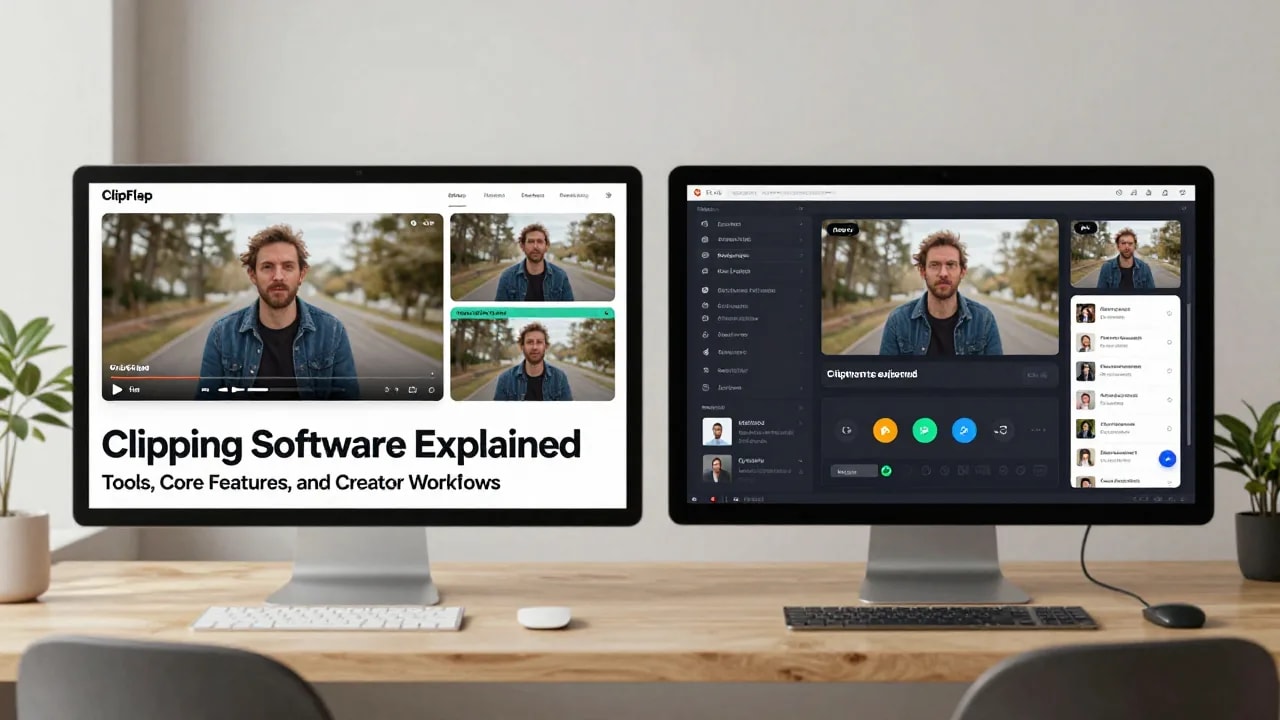
Extracting high-impact short-form videos from long podcast episodes, webinars, and recorded presentations has become an essential distribution strategy for digital creators and media teams. However, manually scrubbing through hours of footage to identify self-contained soundbites is one of the most labor-intensive parts of the post-production cycle. Modern clipping software addresses this operational challenge by acting as an assistive repurposing engine, speeding up the transition from raw landscape video to polished vertical assets.
Rather than replacing human creativity, these platforms automate mechanical tasks like transcribing speech, reframing subjects into vertical aspect ratios, and synchronizing subtitles. Understanding how these tools function technically—and where human editorial judgment remains non-negotiable—helps creators build efficient, scalable repurposing workflows without sacrificing editorial quality or brand identity.
What Is Clipping Software? Understanding Tools for Long-to-Short Video Repurposing
At its core, clipping software refers to specialized video processing applications designed to ingest long-form recordings, analyze their audiovisual structure, and extract concise, standalone video segments. Unlike general-purpose video editing software that requires creators to construct scenes cut by cut on an empty timeline, clipping tools operate top-down: they treat existing long-form content as a source library from which shorter derivative assets are derived.
The Repurposing Spectrum: Traditional NLEs vs. Dedicated Platforms
In a conventional non-linear editor (NLE) like Adobe Premiere Pro or DaVinci Resolve, creating a short clip requires several manual operations. An editor must scrub through playback, set in-and-out points, duplicate tracks, adjust canvas dimensions to a 9:16 vertical aspect ratio, animate position keyframes to track moving speakers, and manually transcribe dialogue.
Dedicated video clipping software streamlines these steps by combining speech recognition with automated computer vision. For teams evaluating their technology stack, understanding this distinction is crucial when choosing an AI video clipping tool that fits their existing editing pipeline.
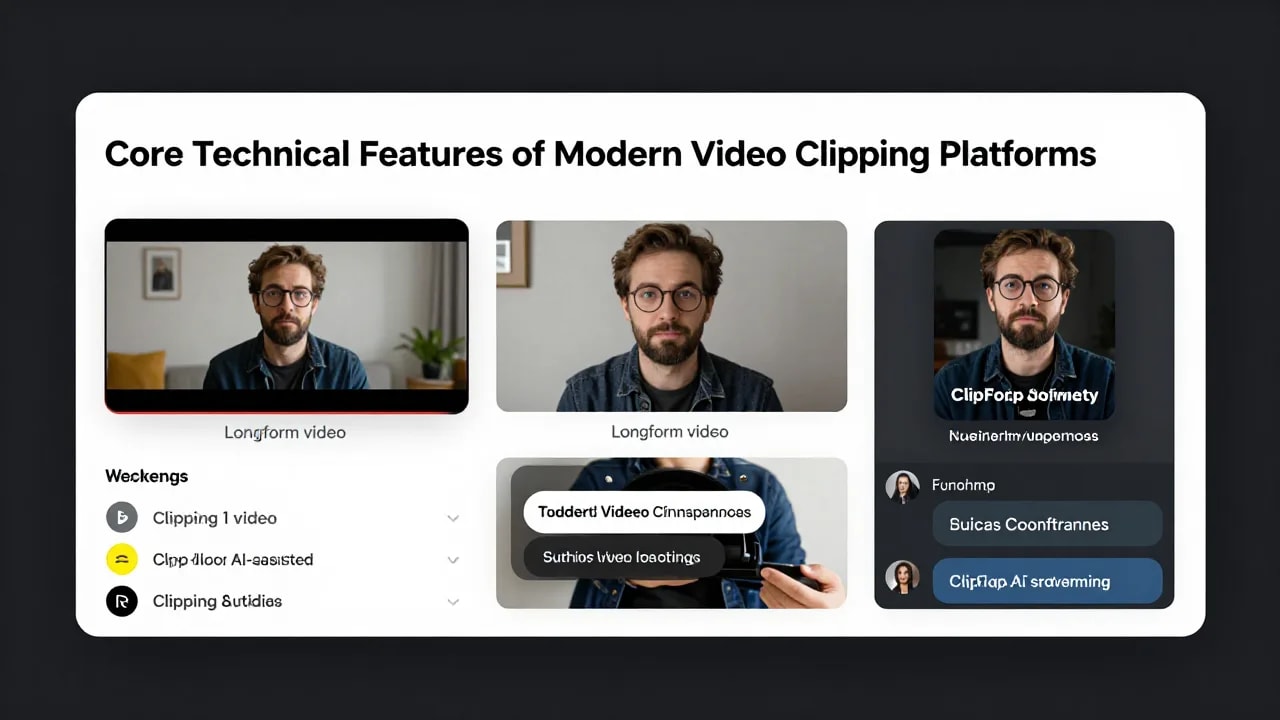
Core Technical Features of Modern Video Clipping Platforms
While legacy video cutdown tools relied entirely on manual timecode entry, modern automated video clipping platforms integrate multiple automated processes into a unified browser-based or desktop environment. These core features address the primary bottlenecks of vertical video repurposing.
Transcript-Based Highlight Detection
Modern clippers process uploaded audio tracks through automatic speech recognition (ASR) engines to generate time-aligned transcripts. Natural language processing models then scan the written text to identify self-contained narrative structures.
The software analyzes conversational cues, changes in speaker cadence, syntactic completeness, and thematic density to suggest candidate clips. Instead of scrubbing blindly across visual waveforms, creators can browse through color-coded textual summaries and select soundbites directly from the transcript, drastically reducing footage discovery time.
Intelligent Vertical Reframing and Speaker Tracking
Converting horizontal 16:9 recordings into mobile-first 9:16 vertical video typically creates framing issues when subjects sit off-center. Automated reframing uses computer vision algorithms to detect human faces, torso positions, and upper-body gestures within the frame.
When processing multi-speaker footage, such as podcast discussions or roundtable interviews, intelligent speaker tracking identifies who is actively speaking based on acoustic signals and facial movement. The system dynamically centers the active speaker or generates split-screen layouts, keeping relevant participants visible without requiring manual pan-and-scan keyframing.
Word-Timed Caption Synchronization
On mobile platforms like TikTok, Instagram Reels, and YouTube Shorts, a significant portion of content is viewed with sound muted or in noisy environments. Clipping software for creators integrates automated captioning engines that synchronize text displays with acoustic timestamps down to the individual word.
These word-timed captions allow platforms to render kinetic text effects—such as highlighted words as they are spoken—while giving editors granular controls to correct phonetic misspellings, adjust line wrapping, and modify font styling directly within the interface.
Interactive Clip Review and Export Controls
Assistive tools provide preview windows where editors can scrub through generated rough cuts before rendering. Editors can adjust start and end handles to refine narrative pacing, swap split-screen templates, and verify visual framing. Once verified, the software renders high-resolution vertical video files encoded with appropriate bitrates and frame rates for mobile social distribution.
The Creator Workflow: From Long-Form Footage to Publish-Ready Clips
Integrating short-form video clippers into an active production schedule requires a structured, repeatable pipeline. Relying entirely on automated defaults without an established operational sequence often leads to awkward narrative cutoffs or visual errors. A standardized workflow ensures high output velocity while maintaining rigorous production quality.
Step-by-Step Repurposing Pipeline
- Footage Ingestion and Quality Verification: Upload clean, high-fidelity master recordings. Ensure the primary audio track has minimal background noise and balanced levels, as audio clarity directly dictates transcription accuracy.
- Algorithmic Processing and Rough Cut Generation: Allow the platform to generate the full dialogue transcript and identify candidate segments based on topic shifts, conversational energy, and narrative coherence.
- Transcript-Driven Editorial Selection: Scan the generated textual suggestions. Select segments that communicate a single complete idea, offer clear practical value, or present a compelling rhetorical question.
- Reframing and Visual Layout Adjustment: Inspect the 9:16 crop across every selected clip. Verify that speaker tracking transitions smoothly and switch to split-screen arrangements if both participants require continuous visual presence.
- Subtitle Styling and Typographic Review: Apply brand-compliant font families, text colors, and positioning margins. Correct any technical terms, brand names, or slang that the speech-to-text engine misinterpreted.
- Pacing Trims and Narrative Polishing: Adjust the clip’s in-points and out-points by a few frames to remove dead air, filler words, or awkward breath pauses at the boundaries.
- Final Rendering and Master Export: Export the finished clips in standard mobile resolutions (such as 1080x1920 at 30 or 60 frames per second) ready for scheduling across distribution channels.
Pre-Publishing Clip Quality Checklist
Before pushing any generated clip to production distribution channels, verify every item on this quality checklist:
- Context Independence: Does the opening sentence make immediate sense to a viewer who has not watched the full episode?
- Visual Framing Margins: Are faces centered with adequate headroom, avoiding overlap with platform UI elements like engagement buttons and captions?
- Subtitle Precision: Have proper nouns, guest names, and industry acronyms been manually proofread and corrected?
- Boundary Cleanliness: Does the ending resolve smoothly on a complete thought rather than slicing mid-word or mid-cadence?
- Audio Balance: Is the vocal level consistent and free of abrupt speech-gate clipping or jarring cuts?
Assistive AI vs. Human Editorial Judgment: Why Review Is Essential
The rapid advancement of automated video clipping technology has led some teams to mistakenly treat these platforms as autonomous creative replacements. In practice, clipping platforms function best as assistive accelerators that handle mechanical tasks, freeing human editors to focus on creative discernment, emotional nuance, and narrative pacing.
The Nuance Gap in Algorithmic Selection
Natural language models can detect keywords, topic changes, and vocal pitch variations, but they lack human contextual comprehension. An algorithm cannot reliably detect dry sarcasm, subtle irony, self-deprecating humor, or cultural subtext.
Without human oversight, an automated tool might select a controversial or provocative statement made during a hypothetical debate, presenting it as the speaker's genuine viewpoint. Editorial review prevents brand-damaging out-of-context quotes and ensures that selected highlights genuinely represent the creator’s message.
Editorial Timing and Comedic Pacing
Humor and dramatic impact rely heavily on micro-timing—a beat of silence before a punchline, a thoughtful pause before a major revelation, or an expressive facial reaction. Algorithms are typically optimized to minimize silence, which can lead them to aggressively trim natural pauses that carry emotional weight. Human editors provide the critical editorial touch required to preserve the natural cadence of speech.
Evaluation Framework: Objective Criteria for Choosing Clipping Software
Selecting an assistive repurposing tool requires evaluating how well its underlying architecture supports your team's specific media format. Rather than relying on generic feature lists, content producers should assess clipping platforms against five concrete technical benchmarks.
Key Technical Evaluation Parameters
- Transcription Fidelity: Evaluate how accurately the speech-to-text engine handles your specific domain language, technical terminology, regional accents, and multi-speaker dialogue. High transcription accuracy drastically reduces manual editing time.
- Reframing Stability: Examine how the computer vision tracking responds to sudden movements, gestures, or multi-subject wide shots. Quality reframing should track subjects smoothly without erratic camera jitter.
- Subtitle Customization and Safe Zones: Verify that the platform allows precise typographic styling, custom color palettes, and safe-zone overlays that prevent text from colliding with native platform interface icons.
- Layout Flexibility: Check whether the platform supports versatile layout templates, including vertical stacks, single-speaker tracking, split-screens, and custom screen-share presentations.
- Review Interface Usability: Ensure the editing dashboard enables fast transcript navigation, quick timeline handle trimming, and responsive video playback without sluggish cloud latency.
Common Technical Limitations of Clipping Tools and Creator Workarounds
While clipping platforms significantly reduce initial turnaround times, they operate within real technical boundaries. Understanding these software limitations allows creators to implement practical workarounds before production issues arise.
Overlapping Dialogue and Cross-Talk
When podcast guests speak simultaneously, automated speech recognition engines often drop syllables or merge distinct voices into a single jumbled caption line.
Creator Workaround: Record participants on isolated microphones and individual audio tracks whenever possible. When overlapping dialogue occurs, manually split the text in the caption editor and assign distinct colors or layout positions to each speaker to maintain clarity.
Rapid Camera Movement and Handheld Footage
Computer vision models designed for static studio podcasts struggle with dynamic camera pans, handheld vlogs, and rapid sports footage, sometimes tracking irrelevant objects or lagging behind the subject.
Creator Workaround: Switch the reframing mode from dynamic auto-tracking to static manual framing for mobile sequences, locking the crop to the primary subject's focal area.
False-Positive Hook Detection
Algorithmic clippers often flag introductory throat-clearing, rhetorical transitions, or administrative announcements as potential hooks simply because they contain high vocal energy or repetitive phrasing.
Creator Workaround: Treat algorithmic highlight scores as suggestions rather than definitive directives. Skim the generated text transcript directly to identify conversational peaks that deliver genuine standalone value.
Frequently Asked Questions
How does modern clipping software differ from traditional video editing software?
Traditional video editing software operates as a blank canvas where editors manually assemble raw clips, cut timelines, synchronize audio, and configure visual keyframes from scratch. Clipping software, by contrast, functions as a top-down repurposing engine. It ingests finished long-form video, generates transcripts, automatically suggests candidate highlights, reframes landscape footage into vertical formats, and applies synchronized subtitles, dramatically reducing the mechanical labor required for multi-platform distribution.
Can clipping software reliably determine the best moments in a long video automatically?
Clipping software can accurately identify segments with high acoustic energy, clear topic transitions, and self-contained dialogue structures. However, it cannot reliably gauge emotional depth, cultural context, subtle humor, or strategic brand resonance. Automated tools provide excellent candidate rough cuts, but human editorial evaluation remains necessary to select the most compelling moments that resonate with target audiences.
Why is manual review recommended before publishing clips generated by clipping software?
Manual review ensures that spoken dialogue is not taken out of context, that brand names and technical jargon in subtitles are spelled accurately, and that framing does not clip off facial expressions or gesture details. A quick editorial pass preserves high production standards, protects brand credibility, and prevents unintended context distortions.
How does automatic reframing adapt 16:9 widescreen video into 9:16 vertical formats?
Automatic reframing uses computer vision and facial detection algorithms to locate subjects within widescreen footage. The system calculates an optimal 9:16 bounding box centered on the active speaker or action. In multi-speaker footage, the software uses voice activity detection to dynamically shift the crop between participants or generate split-screen compositions that display both speakers simultaneously.
Modern video repurposing succeeds when teams strike the right balance between software acceleration and editorial discernment. By offloading mechanical tasks like transcribing speech, tracking speakers, and synchronizing subtitles to assistive tools, creators can produce consistent short-form content while focusing their energy on high-level storytelling. To experience how automated vertical reframing and transcript-based highlight selection can streamline your production workflow, explore ClipFlap's assistive AI clip generator and begin converting your long-form recordings into polished short-form assets.
Related reading
- AI clipping explained: how an AI clip maker chooses, cuts and captions a long video
What AI clipping does to a long video: transcript-led moment selection, sentence boundaries, vertical reframing and captions. How to judge any AI clip maker.
- How AI finds podcast highlights, and what it cannot see
Highlight detection reads the transcript: peaks, complete thoughts, a negative list, then framing and captions. What it gets right and what it cannot see.
Try the ClipFlap AI clip maker →
Try it on your own episode
10 free minutes of processing, no card required. Processing time varies with source length and queue load; review each clip before publishing.