Evaluating Automatic Video Captions: A Quality-Control Guide for Short-Form Video
Learn how to evaluate automatic video captions for short-form clips. Audit transcription accuracy, word-timed pacing, and safe zones before posting.
Updated By ClipFlap editorial team

Producing vertical video at scale has made automated speech-to-text an essential component of modern production workflows. However, relying on automatic video captions without an objective quality-control framework introduces substantial risk. While modern speech models quickly convert raw spoken audio into legible text, they remain prone to contextual misunderstanding, visual truncation, and timing drift.
Automated subtitle tools should be treated as an assistive baseline rather than an autonomous publishing system. To maintain editorial standards across platforms like TikTok, YouTube Shorts, and Instagram Reels, editors need a systematic process for evaluating caption accuracy, visual pacing, and screen placement before hitting publish.
Core Pillars of Caption Quality in Short-Form Vertical Video
High-performing short-form video subtitles must satisfy three distinct technical criteria simultaneously: linguistic fidelity, temporal alignment, and visual ergonomics. If any single pillar fails, viewer comprehension breaks down.
- Linguistic Fidelity: The rendered text must faithfully reflect the speaker's words, intended grammar, and context. A single misplaced homophone can invert the entire meaning of an insight.
- Temporal Alignment: Words must appear and clear exactly as the vocal track unfolds. When subtitles lead or lag speech, they disorient viewers and interrupt natural delivery.
- Visual Ergonomics: Vertical video interfaces are crowded with interactive platform elements. Captions must sit within designated safe zones, maintain strict line-break hygiene, and remain instantly legible against shifting background colors.
When configuring an automated pipeline—whether adapting an interview or converting full podcasts through an AI clipping guide workflow—identifying defects across these three domains prevents common publishing errors.
Evaluating Transcription Accuracy: Beyond Standard Spell-Check
Standard spell-check software flags misspelled dictionary terms, but automatic transcription engines fail in far more subtle ways. Evaluating caption accuracy requires active detection of phonetically plausible hallucinations.
Phonetic Substitutions and Near-Homophones
Automated speech-to-text algorithms predict words based on acoustic patterns and surrounding context. When audio contains compression artifacts, overlapping frequencies, or rapid delivery, the engine often inserts phonetically identical substitutes that pass traditional spell-check without issue.
Common phonetic errors include:
- Substituting technical acronyms with common verbs (e.g., "API" rendered as "a pie").
- Confusing contractions with base forms (e.g., "they've" transcribed as "they").
- Replacing specialized jargon with generic vocabulary (e.g., "Kubernetes" transcribed as "cooper netties").
Contextual Jargon and Proper Nouns
Niche topics, company names, guest names, and cultural slang represent the most frequent point of linguistic failure. Because general-purpose language models bias toward high-frequency internet vocabulary, brand names and proprietary terms require manual verification. Creators should keep a running glossary of industry terminology to cross-check against the generated transcript.
Sentence Boundaries and Punctuation
Spoken conversation rarely follows formal written grammar. Speakers hesitate, interrupt themselves, and use run-on sentences. Speech models often struggle to determine where one thought terminates and another begins. Incorrect sentence boundaries lead to awkward on-screen phrasing, creating split-second reading confusion.
Assessing Timing and Synchronization: The Role of Word-Timed Pacing
In horizontal cinema, standard subtitle blocks display up to two full lines of dialogue at a time, lingering on screen for three to six seconds. In contrast, short-form vertical clips favor rapid, highly dynamic subtitle delivery.
Word-Timed Captions vs. Static Block Subtitles
Traditional block subtitles present full sentences in advance, tempting viewers to read ahead rather than listen to the speaker. By contrast, word-timed captions reveal or highlight individual words in precise synchronization with vocal cadences.
Word-level timing keeps the viewer anchored to the speaker's pacing, accentuating comedic timing, dramatic pauses, and emphatic points. When auditing word-timed captions, inspect whether the highlight sweep lands on the exact attack consonant of each spoken syllable.
Latency, Audio Drift, and Conversational Bursts
Caption synchronization issues generally emerge from two sources: global offset and audio drift.
- Global Offset: A constant delay where subtitles appear consistently late or early across the entire clip. This is usually resolved by nudging the subtitle track forward or backward.
- Audio Drift: Progressive desynchronization where subtitles start in sync but drift out of alignment as the video continues. Drift often occurs during prolonged, rapid-fire dialogue or when sample rates mismatch between audio and video tracks.
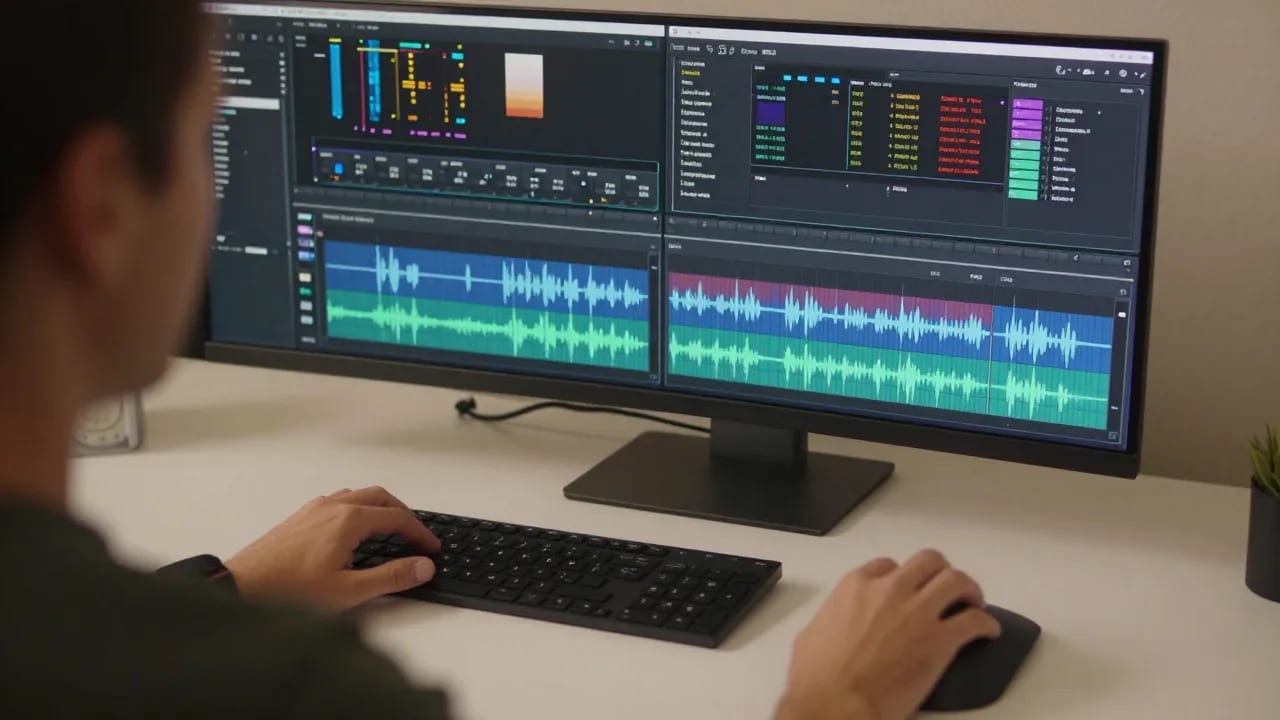
During your auto caption quality check, sample three distinct points: the first five seconds, the exact midpoint, and the final transition. If synchronization degrades at the midpoint, the entire timeline requires recalibration.
Visual Readability: Line Breaks, Safe Zones, and Screen Real Estate
Even an accurate, perfectly synced transcript fails if it is covered by platform interface buttons or formatted into visually jarring text blocks.
Respecting Mobile Safe Zones
Vertical short-form interfaces (9:16 aspect ratio) contain significant graphical clutter. The right rail contains engagement buttons (like, comment, share, bookmark). The bottom third contains the account handle, description text, audio title, and platform navigation bars.
To ensure legibility:
- Keep captions centrally aligned within the horizontal middle third of the 1080x1920 canvas.
- Avoid the bottom 25% of the frame, where captions will collide with metadata overlays.
- Avoid the top 15% of the frame to prevent conflicts with search bars and status displays.
Optimizing Line Breaks and Chunking
Readability in vertical video relies on micro-chunking. Never present more than two lines of text simultaneously, and limit individual lines to three to five words. Breaking a line mid-thought creates visual cognitive friction. Subtitle line breaks should respect natural semantic units:
- Poor line break: "We decided to / launch the product yesterday"
- Optimal line break: "We decided / to launch the product / yesterday"
Keeping phrases intact preserves conversational rhythm and visual clarity.
Common Failure Modes in Automatic Video Captions
Understanding common speech recognition pitfalls helps editors spot errors during manual proofreading passes.
Overlapping Speakers and Crosstalk
When two participants speak simultaneously during a podcast or interview, automated speech-to-text engines typically attempt to fuse both acoustic signals into a single string of text. This results in jumbled, nonsensical phrasing. Multi-speaker content requires editors to isolate audio tracks or manually separate lines to ensure speaker attribution remains coherent.
Background Noise and Vocal Masking
Loud room reverb, ambient street sounds, or heavy background music mask high-frequency vocal formants. Consonants like s, f, th, and p become blurred, causing the model to misidentify words. Pre-filtering dialogue with vocal isolation tools before running automatic transcription noticeably reduces these acoustic errors.
Monophonic Speech Hallucination
During extended pauses, musical interludes, or laughter, some transcription models experience hallucination—generating repetitive phrases or phantom words out of non-vocal audio. Always check quiet transitions to confirm that phantom subtitles have not been created.
A Practical Review Checklist for Creators Before Exporting
Apply this four-phase verification checklist to every short-form asset before scheduling publication.
Phase 1: The Silent Read-Through (Linguistic Pass)
- Mute the video audio completely.
- Read the on-screen captions line by line.
- Verify that punctuation accurately communicates the tone and intent of the speech.
- Confirm that guest names, technical jargon, brand names, and slang are spelled correctly.
Phase 2: The Synchronized Playback (Temporal Pass)
- Unmute audio and play the clip at normal speed (1.0x).
- Listen closely to fast conversational turns, verifying that word highlights trigger precisely on vocal attacks.
- Ensure subtitle cards clear the screen during natural pauses rather than lingering indefinitely.
- Confirm zero audio drift between the start and end of the timeline.
Phase 3: The Overlay Check (Visual Pass)
- Enable a platform-specific safe zone overlay grid on your canvas.
- Confirm that no word or text boundary clips the safe zone margins.
- Verify that line breaks follow natural semantic phrasing without orphan words.
- Check contrast against shifting backgrounds to guarantee readability on dark and light footage.
Phase 4: Full-Screen Device Preview
- Export a draft preview and review it on a physical smartphone screen.
- Ensure text sizing is comfortably readable without consuming more than 15-20% of total vertical screen space.
Frequently Asked Questions
Why do automatic video captions frequently misinterpret industry jargon and proper nouns?
Speech-to-text models rely on acoustic probabilities and large linguistic datasets. When exposed to niche acronyms, rare technical terminology, or uncommon personal names, the system selects the most phonetically similar high-frequency word instead. Without custom dictionary training, human editors must manually audit proper nouns.
How do word-timed captions differ from standard block subtitles in short-form video?
Standard block subtitles display entire sentences or long phrases simultaneously for several seconds. Word-timed captions break dialogue down to individual words or micro-phrases, displaying or highlighting them in direct synchronization with speech. This creates a punchier reading experience that matches the fast pacing of vertical video.
What are safe zones, and how do they impact caption placement?
Safe zones are specific regions on vertical screens that remain unobstructed by social platform interface elements, such as profile handles, captions, like buttons, and sound titles. Placing subtitles outside these designated areas causes interactive UI elements to obscure your text, rendering parts of the dialogue unreadable.
Can automated caption tools replace manual proofreading entirely?
No. Automated speech-to-text provides an assistive first pass that dramatically reduces manual typing time. However, automated systems cannot reliably infer speaker intent, catch subtle near-homophones, or guarantee contextual accuracy. A rapid manual review remains essential for professional publishing standards.
Streamlining your production process requires pairing reliable assistive transcription with efficient editing controls. If you are converting long recordings into vertical highlights, explore how an AI clip generator can assemble reframed segments with synchronized, word-timed subtitles ready for your final editorial review.
Related reading
- How to add captions to podcast clips that read at a glance
Captions are how a muted clip gets watched. Word-level timing, short lines broken at phrases, name and number checks, and the language rules tools miss.
- Darija vs Modern Standard Arabic subtitles: what changes when you keep the dialect
Generic speech recognition rewrites Moroccan Arabic into Modern Standard Arabic. What that does to a clip, what to review, and how to keep the dialect.
Darija and Arabic captions in ClipFlap →
Try it on your own episode
10 free minutes of processing, no card required. Processing time varies with source length and queue load; review each clip before publishing.