How to Choose the Best Clipping Softwares for Video Repurposing
Discover how to evaluate the best clipping softwares for your workflow. Compare transcript selection, automatic reframing, word-timed captions, and review
Updated By ClipFlap editorial team
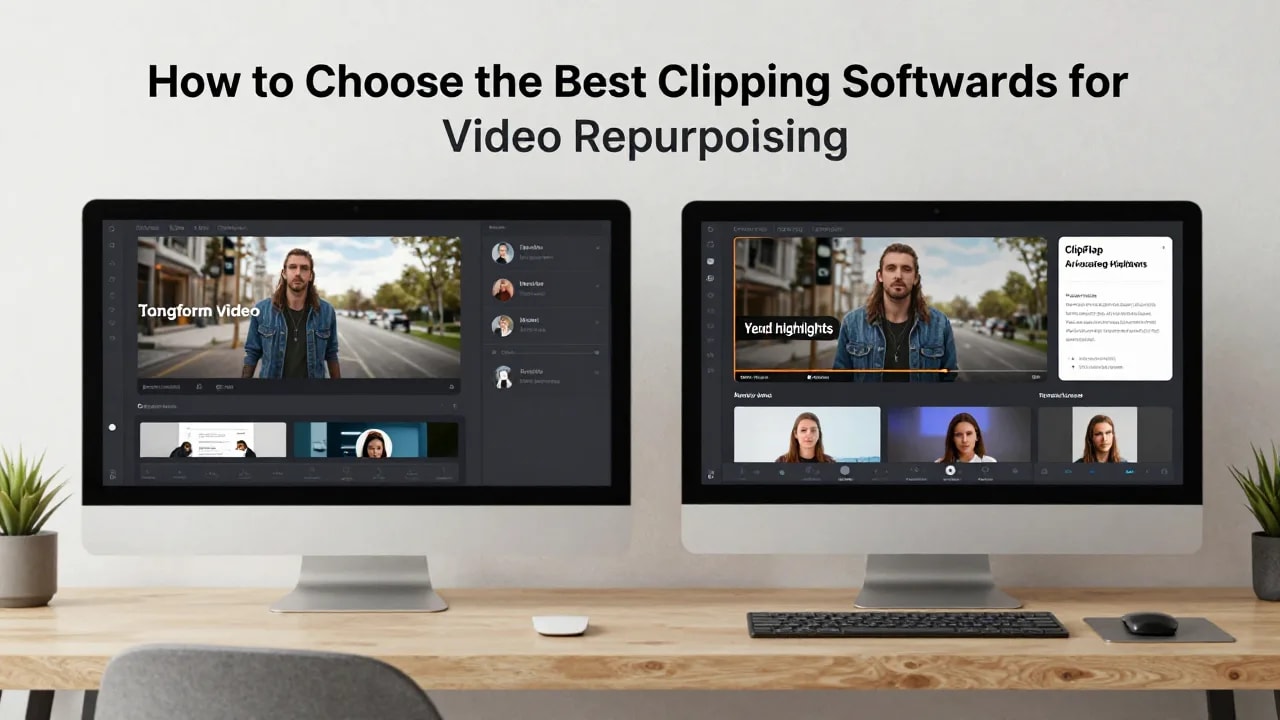
Sifting through an hour of conversational podcast footage or a recorded webinar to locate three punchy soundbites can stall an entire publishing schedule. To scale short-form output across TikTok, YouTube Shorts, and Instagram Reels, content teams increasingly evaluate the best clipping softwares to accelerate their extraction process. The right tool turns an archive of long-form media into a structured library of vertical clips without demanding hours of repetitive timeline trimming.
However, the market is crowded with tools that market full autonomy while delivering awkward cuts, mistimed subtitles, and clipped audio. Choosing the right clipping software for creators requires a clear framework that balances automated processing against the manual editorial control required for high-quality production.
Essential Features to Demand from Modern Clipping Software
Not all video clipping tools perform the same tasks. Some focus narrowly on converting horizontal landscape files into vertical rectangles, while others attempt to analyze spoken narratives to suggest highlights. When evaluating options, small teams and independent creators should inspect five core technical pillars:
- Transcript-Driven Segmentation: The software must convert audio into a reliable text stream, allowing you to highlight sections by reading rather than blind listening.
- Dynamic Visual Reframing: Active speaker tracking must maintain focal clarity when converting 16:9 landscape video into 9:16 vertical video.
- Granular Caption Customization: Word-timed subtitle synchronization with typography, placement, and color control built directly into the render pipeline.
- Integrated Review Environment: An interactive interface that allows operators to adjust start and end handles, tweak text errors, and verify framing prior to rendering.
- Flexible Aspect Ratio Conversion: Quick adaptations for square (1:1), vertical (9:16), and landscape (16:9) formats from a single source master.
Evaluating tools against these requirements prevents teams from adopting platforms that create more cleanup work than they eliminate.
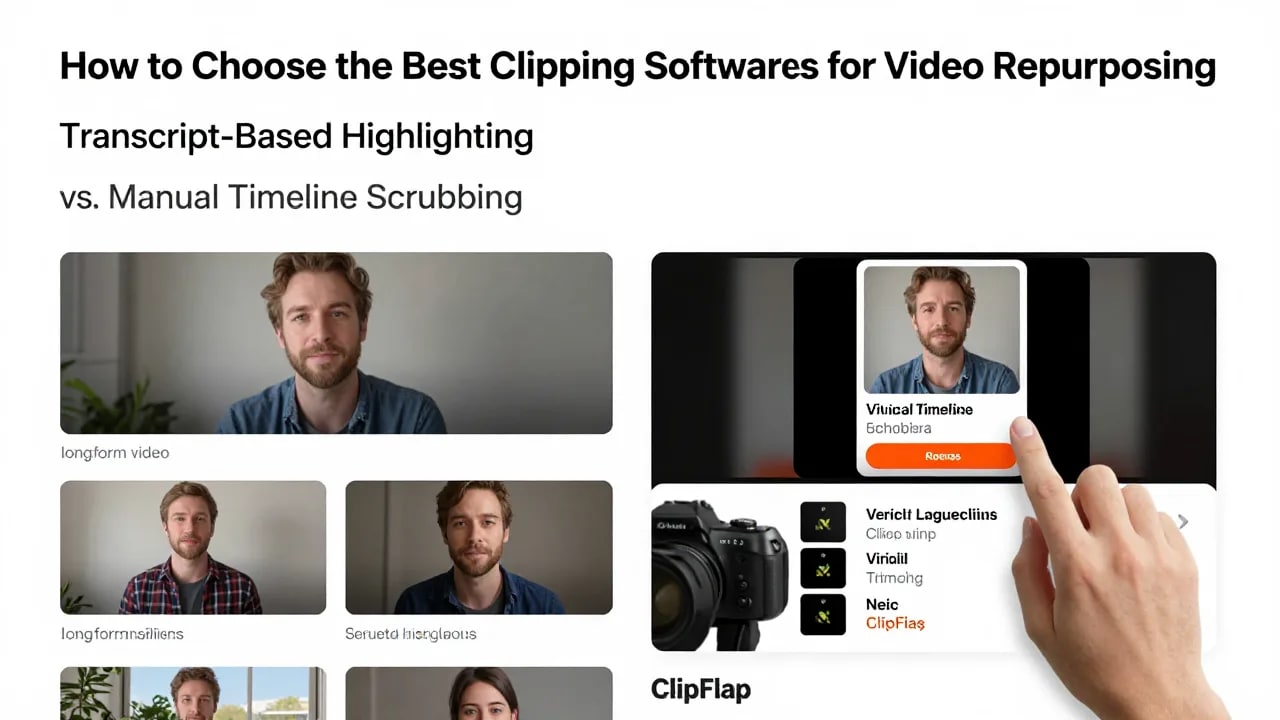
Transcript-Based Highlighting vs. Manual Timeline Scrubbing
Traditional video editing relies heavily on timeline scrubbing. An editor loads a long video file into a non-linear editor (NLE), listens at 1.5x speed, cuts candidate sections using blade tools, and moves them to separate tracks. While precise, this process is mentally taxing and time-consuming when handling hours of weekly material.
Transcript-based highlight selection changes the primary editing paradigm from time-based scrubbing to text-based searching. Modern clipping software generates an interactive transcript of the uploaded file. Instead of hunting through an audio waveform for an interesting statement, an operator can skim paragraphs, search for specific keywords, and select text blocks to establish clip boundaries.
When testing this capability, examine how the software handles boundaries. The system should allow you to expand or contract sentence boundaries with micro-trim handles. Natural speech includes introductory breaths, transitional phrases, and trailing pauses. A tool that clips strictly to the first phoneme often sounds abrupt. The ideal platform offers transcript selection as a rapid starting point, followed by fine-tuning controls to preserve natural speech cadence.
For creators running interviews or solo talk shows, integrating a dedicated podcast clipping software workflow can compress the time between recording an episode and publishing promotional shorts.
Evaluating Automatic Reframing and Speaker Centering
Converting landscape footage into vertical video is one of the most tedious manual tasks in video production. A static crop placed in the center of a wide shot often cuts off subjects whenever they lean or move across the frame. In two-person interviews, static crops fail entirely whenever the focus shifts between speakers.
Automatic reframing solves this by tracking faces, movement, or active audio signals to keep the speaker centered in a 9:16 vertical crop. When evaluating reframing technology, look closely at how the software executes pan movements:
- Motion Smoothing: Rapid, jerky camera shifts disorient viewers. The reframing algorithm should glide smoothly between subjects or hold steady until an intentional focal shift is required.
- Split-Screen and Stacked Layouts: In podcast recordings with both participants on screen, an intelligent tool should offer stacked layouts (speaker on top, listener on bottom) rather than constantly oscillating back and forth.
- Manual Override Capabilities: Automated framing can misinterpret background artwork or inanimate objects as focal points. Your team must have the ability to click and drag the crop frame to lock the focal point manually.
Reframing should serve your visual composition rather than dictate it. A platform that provides intelligent default tracking alongside manual boundary locks gives editors the speed of automation with the safety of direct control.
Caption Flexibility and Word-Timed Subtitle Accuracy
Silent browsing is the default behavior on mobile feeds. Accurate, visually engaging captions are no longer an optional stylistic choice; they are essential for comprehension and audience retention. However, inaccurate subtitles or generic, immovable text overlays quickly undermine professional credibility.
When assessing subtitle features in a short-form video repurposing tool, inspect word-timed caption functionality. Traditional subtitle files (like standard .SRT exports) render line-by-line blocks that often lag behind conversational cadence. Word-timed engines synchronize highlight states with individual syllables, creating an active reading flow.
Evaluate the depth of typography controls within the software:
- Style and Positioning Control: Can you move subtitles away from platform UI elements, like TikTok's right-side engagement buttons or bottom caption overlays?
- Inline Transcript Editing: Can you fix misheard brand names, technical jargon, or acronyms directly within the subtitle preview window?
- Safe Zone Overlays: Does the tool show visual boundary guides to ensure text remains unobstructed across different social platforms?
If a platform requires you to export video into a secondary utility simply to adjust font sizes or fix a spelling error, it interrupts your production pipeline.
Export Options and In-App Clip Review Interfaces
High-volume content repurposing workflows fail when software treats export as an unmonitored "black box." Fully autonomous clipping systems that process footage in the background and deliver finished files directly to cloud storage sound appealing, but they often produce unusable outputs with cut-off punchlines or misaligned crops.
An editorial review interface is a vital checkpoint. Before generating final high-resolution files, editors should be able to scrub through generated candidates inside a lightweight preview player. Within this interface, operators should verify:
- Start and End Pacing: Does the clip open on an engaging hook without capturing trailing audio from the preceding conversation?
- Crop Accuracy: Does the subject stay cleanly within the safe zone during expressive gestures?
- Audio Balance: Are introductory and concluding audio fades smooth rather than abruptly cut off mid-waveform?
- Output Formats: Does the exporter support native 1080x1920 MP4 outputs matching target platform bitrate requirements?
Prioritizing an intuitive review stage ensures that every asset shared with your audience meets professional publishing standards while preserving the efficiency gained by automated processing.
Understanding the Limitations of Automated Video Clipping
While clipping software dramatically accelerates production, automation cannot replace human editorial sensibility. AI-driven clipping features rely on pattern recognition: identifying volume increases, conversational pauses, keyword density, and facial landmarks. They do not possess narrative intuition, cultural context, or an innate understanding of comedic timing.
Common edge cases where automated detection requires human oversight include:
- Sarcasm and Subtext: Software may classify deadpan humor as unengaging dialogue due to flat vocal inflection.
- Complex Multi-Part Arguments: An automated system may extract a controversial setup statement while omitting the crucial resolving context delivered thirty seconds later.
- Non-Verbal Reactions: A silent, expressive physical reaction from an interview guest often carries more emotional weight than spoken dialogue, but speech-based clipping will ignore it entirely.
Treat video clipping tools as assistive utilities. They excel at processing massive files, transcribing dialogue, tracking subject coordinates, and synchronizing text. The editorial choices—deciding what resonates, which takeaway matters most, and how a story should be framed—remain the responsibility of the creator.
Frequently Asked Questions
What features should small teams prioritize when evaluating clipping software?
Small teams should prioritize transcript-based highlight selection, reliable automatic reframing with manual override controls, and word-timed caption editing. An intuitive in-app review interface is also critical to eliminate the need for multi-step NLE roundtripping.
Can clipping software fully automate the short-form editing process?
No. Modern software operates as an assistive utility. It handles repetitive tasks like transcribing, panning, and generating baseline cuts, but human editorial review is required to verify contextual accuracy, conversational pacing, and narrative relevance.
Why is an in-app review interface critical before exporting clips?
An in-app review interface lets editors verify framing, adjust crop points, fix transcription mistakes, and trim boundary pauses before rendering files. Without this step, editors must export, inspect externally, and re-render if errors exist.
How does transcript-based highlight selection improve clipping speed?
Reading text is significantly faster than scrubbing audio waveforms. Transcript selection allows editors to identify strong soundbites, verify thematic context, and set precise clip boundaries directly from spoken text.
Accelerate Your Repurposing Workflow
Choosing the right clipping tool comes down to balancing assistive automation with rigorous editorial control. When software automates repetitive transcription, reframing, and captioning, your production team can spend more time shaping stories that connect with your audience.
Experience how an assistive workflow transforms your video distribution. Explore the ClipFlap AI Clip Generator to turn your long-form footage into polished, vertical clips with full transcript control, automated speaker reframing, and integrated review tools.
Related reading
- Opus Clip pricing in 2026: plans, credits and cost per minute
What Opus Clip's free, Starter and Pro plans include, how credits map to minutes, where the watermark applies, and how a minutes-based tool compares.
ClipFlap as an Opus Clip alternative →
Try it on your own episode
10 free minutes of processing, no card required. Processing time varies with source length and queue load; review each clip before publishing.