How AI Clip Makers Process, Reframe, and Caption YouTube Videos
Learn how an AI clip maker for YouTube analyzes transcripts, tracks speakers, reframes to 9:16 vertical video, and generates word-timed captions.
Updated By ClipFlap editorial team
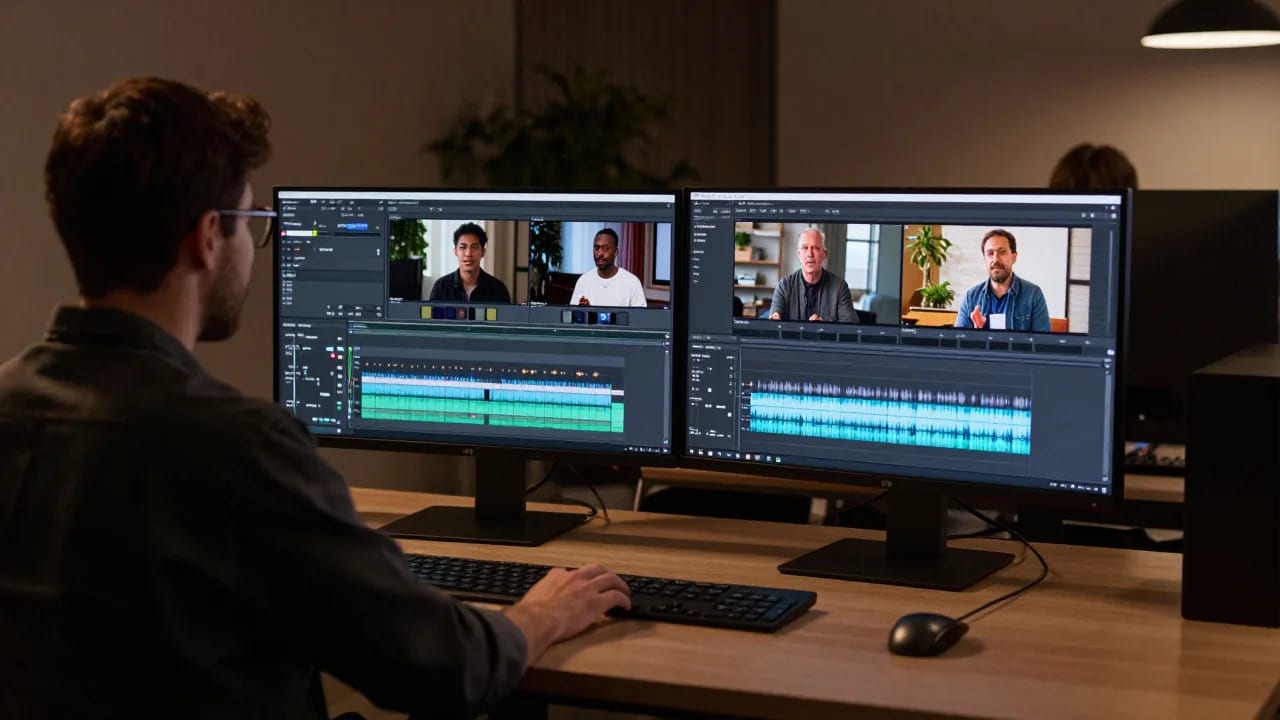
Repurposing long-form video into vertical shorts has become a standard distribution strategy, but manually scrubbing multi-hour timelines requires significant time and focus. An AI clip maker for YouTube accelerates this workflow by transforming recorded interviews, podcasts, and presentations into structured, short-form segments. Rather than relying on guesswork, these systems combine automated transcription, visual tracking, and acoustic analysis to identify self-contained talking points.
Understanding the underlying pipeline helps video editors, podcasters, and content teams evaluate what automated tools can achieve—and where human editorial judgment remains essential.
The Multi-Step Pipeline: How AI Ingests and Parses Long-Form YouTube Content
Automating the transition from a horizontal YouTube broadcast to a vertical clip is not a single calculation. It requires a sequence of specialized machine learning models working in concert across audio and visual data.
When a video file or link is ingested, the system separates the container into discrete audio and video streams:
- Audio Demuxing: The audio track is isolated and normalized to eliminate background noise spikes and improve clarity.
- Speech-to-Text Transcription: A speech recognition model converts spoken dialogue into a timestamped text stream, logging words down to the millisecond.
- Audio Waveform Analysis: Volume envelopes, pauses, pitch variations, and sudden acoustic peaks are indexed alongside the text.
- Computer Vision Decoding: The video track is sampled to detect scene boundaries, camera angle cuts, and facial landmarks.
Once these data layers are synchronized, an AI video clipping tool can begin parsing the content for narrative structure rather than treating the media as static pixels.
Transcript-Based Analysis: How Algorithms Detect Hooks and Cohesive Story Arcs
Finding a usable short clip requires more than spotting energetic dialogue; it requires identifying a complete narrative unit. Long-form conversations are filled with contextual baggage, tangents, and interrupted thoughts that fall flat when isolated on social feeds.
Semantic Boundary Detection
Using natural language processing (NLP), the system evaluates the transcript to understand where individual ideas start and finish. The algorithm groups sentences into thematic clusters by measuring semantic similarity between adjacent phrases. When the topic shifts significantly, a boundary marker is registered.
Identifying Hooks and Resolutions
For automatic video highlight detection to succeed, the algorithm scores candidate segments on narrative cohesion:
- The Opening Hook: Algorithms look for declarative statements, provocative questions, or distinct thematic introductions near the start of a boundary.
- Syntactic Completeness: Segments that rely heavily on unresolved pronouns (such as "like we discussed earlier") receive lower standalone scores because they lack surrounding context.
- The Climax or Punchline: The system scans for narrative conclusions, summarized takeaways, or punchlines, often corroborated by audio waveform analysis indicating laughter or emphatic delivery.
Through transcript-based video clipping, software identifies potential segments spanning 30 to 90 seconds that maintain internal logic without demanding prior knowledge from the viewer.
Computer Vision and Reframing: Shifting Horizontal Footage to Vertical 9:16
Most YouTube content is recorded in a horizontal 16:9 aspect ratio. Converting this footage into a vertical video format requires intelligent reframing rather than static center-cropping, which frequently cuts active speakers out of the frame.
Face Detection and Speaker Diarization
To keep the visual focus centered, the software pairs visual facial recognition with audio diarization. Audio diarization distinguishes "who spoke when" by mapping distinct vocal frequencies. When Speaker A talks, the computer vision model finds Speaker A's coordinate bounding box and centers the virtual camera on their face.
Dynamic Motion and Camera Smoothing
If a subject moves across the set or gestures, computer vision tracks the bounding box across successive frames. Rather than snapping instantly—which causes jarring, robotic visual jitters—the software applies mathematical smoothing curves to simulate the fluid panning of an experienced camera operator.
Multi-Speaker Layouts
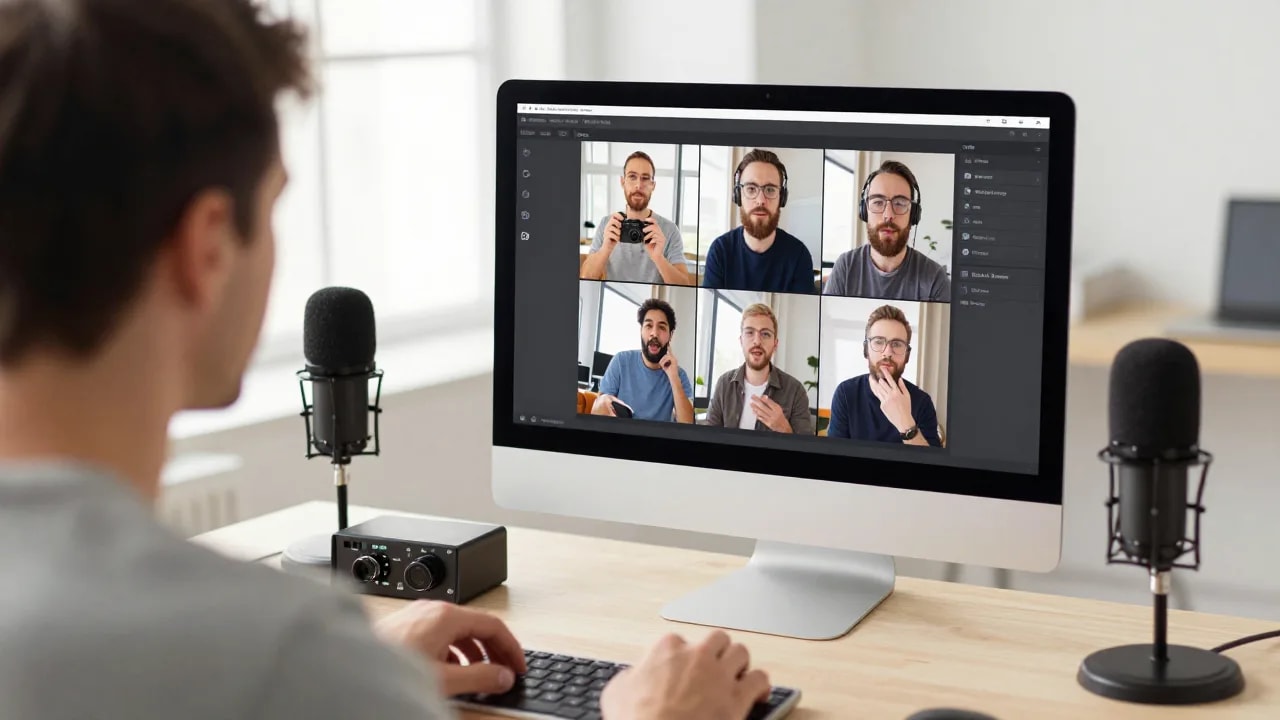
In two-person podcasts or panel discussions, dynamic framing becomes more complex. Many creators use a podcast to clips workflow that dynamically toggles between split-screen layouts (showing both host and guest simultaneously) and active-speaker cuts, depending on conversational pacing and conversational overlap.
Word-Timed Caption Generation: Phoneme Matching and Visual Typography
Captions are critical for vertical feeds, where a significant portion of viewers watch without headphones. Traditional subtitles—which present two static lines of text at the bottom of the screen—are often replaced on social feeds by dynamic, kinetic subtitles.
Acoustic Forced Alignment
Generating word-timed captions AI involves forced alignment. The speech-to-text engine breaks transcribed words down into their component phonemes (the smallest units of sound) and aligns them directly to the corresponding millisecond markers in the audio waveform. This ensures that visual text renders in lockstep with the speaker's voice.
Visual Typography and Pacing
Once the timing is calculated, rendering engines apply typographic styling:
- Displaying small, easily readable clusters (one to three words at a time) to sustain viewer attention.
- Highlighting active words with contrasting colors or subtle scale animations.
- Maintaining vertical safe zones to prevent captions from being obscured by platform UI overlays, such as usernames, like buttons, and comment trays.
Technical Limitations: Where Automated Moment Selection Can Fail
While automation handles substantial computational heavy lifting, machine learning models do not possess true comprehension. Creators who rely entirely on unattended automation frequently encounter predictable friction points:
- Contextual Truncation: An algorithm might select a compelling statement while inadvertently lopping off an essential qualifying phrase immediately preceding it.
- Irony and Sarcasm: Natural language models struggle with deadpan humor or sarcasm, occasionally highlighting satirical remarks as factual statements.
- Cross-Talk and Audio Bleed: When two guests speak simultaneously into unisolated microphones, speaker tracking models can become confused, causing the crop window to rapidly flick between subjects.
- Misinterpreted Non-Verbal Cues: A dramatic pause meant for comedic or emotional effect may be categorized by silence-detection algorithms as dead air, resulting in an unnatural mid-sentence cut.
Recognizing these technical constraints clarifies why an algorithmic draft is best treated as a baseline rather than a finished product.
Human-in-the-Loop Review: Refining AI Drafts Before Export and Publishing
Transforming an initial draft into a high-retention short requires manual editorial review. By pairing algorithmic speed with human discernment, creators can produce polished output in a fraction of the time required for traditional manual editing.
Pre-Publishing Quality Checklist
Before exporting clips from your YouTube video to shorts AI workflow, verify these four technical touchpoints:
- Context Verification: Does the clip make complete sense to someone who has never seen your channel?
- Boundary Adjustment: Extend the head or tail of the clip by 1–2 seconds if the algorithm clipped a breath or introductory phrase.
- Visual Framing Integrity: Verify that quick hand movements or posture adjustments did not cause erratic reframing cuts.
- Transcript and Jargon Accuracy: Check technical terms, brand names, and slang that automated speech recognition may have transcribed phonetically.
Using specialized platforms like ClipFlap allows creators to leverage transcript-based highlight selection, automated reframing, and word-timed captions while retaining full timeline control to adjust boundaries, refine typography, and adjust speaker positioning before publishing.
Frequently Asked Questions
How does an AI clip maker identify which parts of a YouTube video are worth clipping?
AI tools evaluate videos by synchronizing speech-to-text transcripts with audio energy and visual data. Natural language processing models identify thematic boundaries, narrative hooks, and punchlines, while acoustic models check for volume changes, laughter, or emphatic pacing to find self-contained conversational moments.
Why are word-timed captions more effective for short-form clips than standard subtitles?
Word-timed captions display kinetic, highlighted text synchronized to the exact millisecond each word is spoken. This format reinforces conversational cadence, keeps viewer attention focused on the center of the vertical frame, and accommodates muted viewing environments without cluttering the screen with multi-line text blocks.
Can AI clip generators accurately follow multiple speakers during a podcast?
Yes, modern clip generators use audio diarization alongside visual face tracking to detect who is speaking and adjust framing accordingly. Advanced systems can switch between solo shots of the active speaker and stacked split-screen layouts when both participants are engaged in dialogue.
Why is manual review recommended before posting AI-generated video clips?
Automated systems can misinterpret sarcasm, truncate necessary conversational context, or mistranscribe brand names and technical jargon. A quick editorial review ensures the hook is clean, the framing remains stable, and the message accurately reflects the creator's intent.
Ready to streamline your video repurposing workflow? Explore how the AI clip generator analyzes your source material, automates vertical reframing, and generates synchronized captions while keeping you in complete editorial control.
Related reading
- How to clip a YouTube video into Shorts with AI, from the link
Clip a YouTube video into vertical Shorts without downloading it: paste the link, pick a range, let AI choose the moments, review and publish.
- How to clip Twitch and YouTube streams automatically without losing the webcam
Clip a stream replay into vertical clips: why streams break generic clip tools, how a webcam-and-gameplay layout is built, and what to check before posting.
Turn a long video into clips with ClipFlap →
Try it on your own episode
10 free minutes of processing, no card required. Processing time varies with source length and queue load; review each clip before publishing.