How to Turn Podcast into Shorts: A Step-by-Step Production Guide
Learn how to turn podcast into shorts with this step-by-step workflow covering reframing, word-timed captions, transcript editing, and quality control.
Updated By ClipFlap editorial team
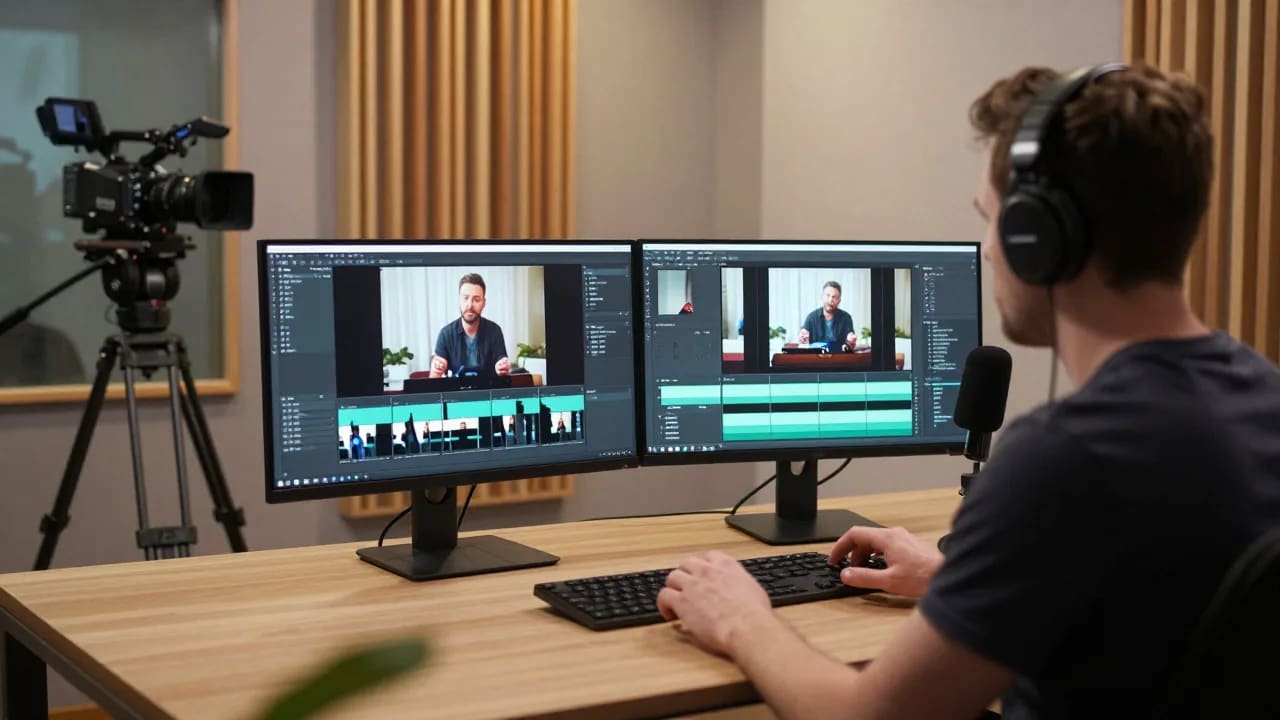
Filming a podcast creates hours of rich conversational media, but distributing that long-form footage on mobile discovery feeds requires a different creative approach. Learning how to turn podcast into shorts is essential for video creators looking to repurpose podcast into short vertical video clips for YouTube Shorts, Instagram Reels, and TikTok. Rather than expecting cold audiences to commit to a 60-minute interview, strategic clipping introduces your best ideas to new viewers through concise, high-impact highlights.
This guide outlines an actionable podcast to shorts workflow to turn filmed podcast into youtube shorts, covering everything from transcript-based editing and 9:16 aspect ratio reframing to word-timed captions and quality assurance.
Step 1: Identifying Standalone Moments and Compelling Hooks in Full Episodes
The most frequent failure in a podcast highlight clipping guide is isolating a soundbite that only makes sense if the viewer watched the preceding half hour. In vertical feeds, your clip must function as an independent story.
Finding the Standalone Narrative Arc
A self-contained clip requires a distinct narrative arc:
- A clear premise: The speaker raises a compelling question, takes a contrarian stance, or shares a surprising fact within the first three seconds.
- Supporting context: The speaker provides necessary reasoning, a brief anecdote, or empirical backing without straying into unrelated conversational tangents.
- A definitive payoff: The thought concludes with a takeaway, insight, or punchline that delivers on the opening hook.
If a segment relies on contextual callbacks—such as referencing a topic discussed earlier or acknowledging off-camera dialogue—either trim the reference or find another passage. Cold viewers will swipe away if they feel left out of an inside conversation.
Hook Identification and Short-Form Video Pacing
Short-form video pacing leaves zero room for slow introductions. In a traditional sit-down episode, guests often warm up to a point with conversational filler like "Well, that reminds me of a thought I had last week."
When clipping highlights, cut directly to the core statement. Hook identification means isolating the sentence with the highest emotional, educational, or contrarian weight and placing it at the very start of the clip. If necessary, you can use the strongest concluding insight as a cold open before rolling the rest of the clip.
Step 2: Reframing Landscape 16:9 Video into 9:16 Vertical Compositions
Most filmed podcasts record horizontally in standard 16:9 widescreen. Transforming widescreen footage into vertical formats requires thoughtful composition to preserve conversational energy.
Active Speaker Framing vs. Stacked Split-Screen
When you convert video podcast to shorts, choose an aspect ratio reframing 9:16 strategy that matches your episode format:
- Dynamic Active Speaker Framing: Automatically or manually cuts between participants based on who is speaking. This layout fills the full vertical screen with one speaker at a time, making it ideal for solo monologues or alternating exchanges.
- Stacked Split-Screen Layouts: Places the host on the upper half and the guest on the lower half of the 9:16 canvas. This setup shines during lively debates, interviews, and moments where the non-verbal reactions of the listener are as entertaining as the speaker's words.
- Hybrid Picture-in-Picture: Keeps the active speaker in the primary frame while adding a secondary circular or rectangular frame for reaction shots.
Protecting Composition and Headroom
Cropping a 16:9 wide shot into a vertical frame magnifies imperfections. Ensure the speaker's eyes sit in the upper third of the vertical frame. Avoid cropping too tightly around the forehead or chin, and maintain breathing room at the bottom of the frame for subtitles and on-screen text graphics.
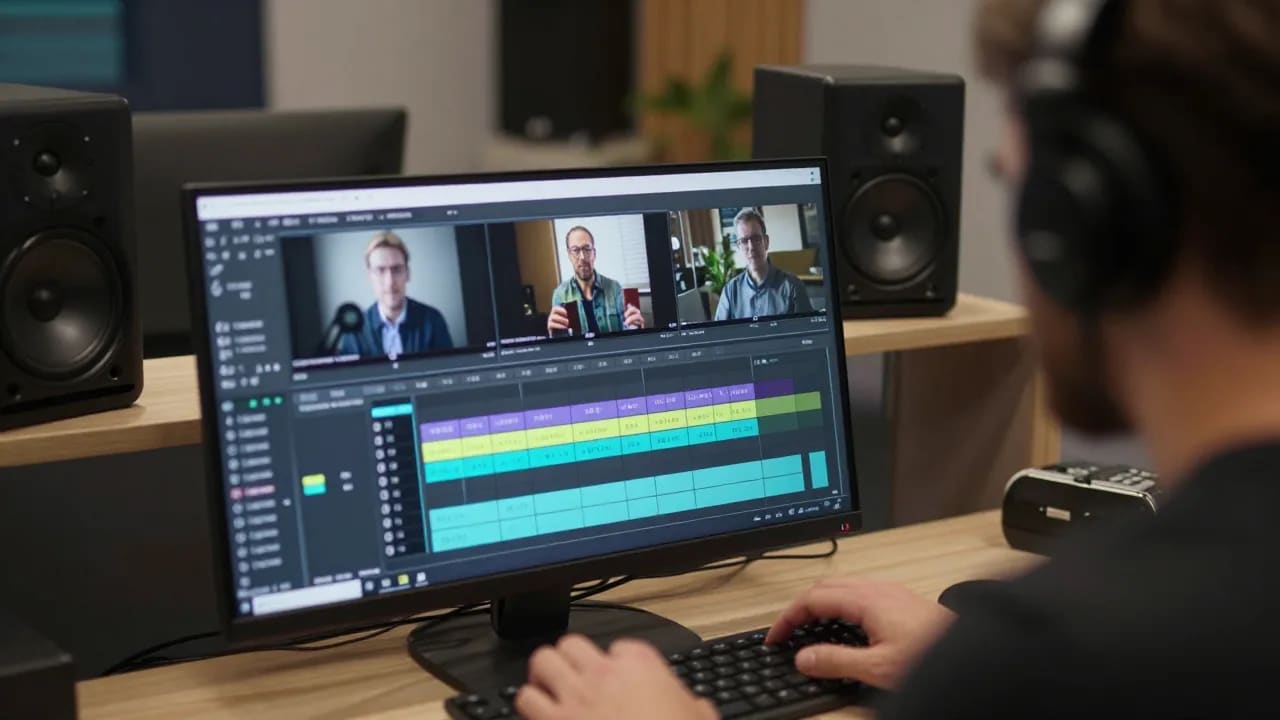
Step 3: Adding Word-Timed Captions and Visual Anchors for Sound-Off Viewing
A significant portion of mobile users consume short-form video in sound-sensitive environments with audio muted. Adding word-timed captions ensures your core message connects immediately, regardless of playback settings.
Implementing Dynamic, Word-Timed Captions
Static subtitles displayed in multi-line paragraphs cause reading fatigue on small screens. Instead, modern vertical video relies on word-timed captions that highlight or animate words in sync with the speaker's voice.
- Pacing and chunking: Keep on-screen text brief, ideally showing two to four words at any single moment.
- Visual contrast: Use clean, bold sans-serif fonts with high-contrast text outlines or soft drop shadows so words remain readable across varying video backgrounds.
- Keyword highlighting: Color-code important keywords to draw the eye and emphasize inflection points in the dialogue.
Respecting Mobile Platform Safe Zones
Both YouTube Shorts and Instagram Reels overlay persistent interface elements—including profile icons, audio attribution badges, channel titles, and engagement buttons—over significant portions of the vertical canvas. Center your captions vertically within the middle 40% of the screen. Placing subtitles too low ensures they will be obscured by platform titles and engagement buttons.
Step 4: Accelerating Highlight Extraction with Transcript-Based Tooling
Manually scrubbing through hours of video timelines to find 45-second soundbites is the primary bottleneck for video editors. Utilizing transcript-based editing workflows transforms how creators extract podcast highlights.
Text Scanning vs. Timeline Scrubbing
Rather than listening back at double speed or guessing waveform peaks, transcript-based editing allows you to treat video like a text document:
- Searchable dialogue: Search full transcripts for specific keywords, stories, questions, or guest insights.
- Rapid review: Reading a text transcript takes a fraction of the time required to listen through an entire conversation.
- Direct text selection: Highlighting a paragraph in the transcript automatically cuts the corresponding video track, eliminating the need to search for cut points manually.
Cleaning Dialogue While Preserving Natural Flow
Transcript tools make it simple to delete conversational crutches, false starts, and filler words. However, always review the resulting audio transitions. Cutting text abruptly can snip natural breathing room or create harsh audio cuts. Smooth out micro-edits with subtle audio cross-fades to preserve natural conversational rhythm.
Manual NLE Editing vs. Assistive AI Clipping: Practical Trade-Offs
Choosing the right workflow depends on your publishing frequency, technical resources, and budget. Production teams must evaluate the differences between traditional non-linear editors (NLEs) and assistive clipping platforms. For a deeper breakdown of features, read our guide on how to choose an AI video clipping tool.
Traditional Non-Linear Editors (Premiere Pro, DaVinci Resolve)
Manual NLE editing provides total creative autonomy.
- Advantages: Unrestricted control over multi-camera sync, custom keyframe animations, bespoke motion typography, and advanced audio mastering.
- Disadvantages: Labor-intensive. Cutting, cropping, reframing, and animating captions manually for a single short can take 30 to 60 minutes.
Assistive AI Clipping Solutions
Assistive tools like ClipFlap streamline technical tasks by integrating transcript-based highlight selection, automatic reframing, and word-timed captions into a single interface.
- Advantages: Eliminates timeline scrubbing and automates initial speaker framing and subtitle generation, reducing turnaround time from hours to minutes.
- Disadvantages: Algorithms lack human context. Automated tools cannot reliably assess whether an inside joke works out of context or detect subtle comedic irony. Human editorial review remains non-negotiable.
Pre-Publishing Review Checklist: Quality Control Before Export
Before pushing clips to distribution channels, run every vertical video through this quality control review checklist:
- Hook immediacy: Does the first frame or sentence compel the viewer to stay without requiring background setup?
- Standalone context: Is the core message self-contained, or does it leave viewers confused about unstated references?
- Speaker framing accuracy: Does active speaker framing follow the conversation smoothly without erratic jumps or awkward head crops?
- Caption precision: Are all proper nouns, technical acronyms, and guest names transcribed with complete accuracy?
- Interface clearance: Are subtitles and graphics placed comfortably within platform safe zones?
- Audio balancing: Is dialogue normalized to standard mobile playback levels, with smooth transitions between edits?
- Technical specs: Is the export encoded at 1080x1920 (9:16) at 30 or 60 frames per second using standard H.264 compression?
Frequently Asked Questions
How long should a podcast highlight clip be for YouTube Shorts?
While YouTube Shorts accommodates videos up to 60 seconds, optimal podcast highlights generally run between 30 and 45 seconds. This duration provides enough time to establish a premise, deliver an explanation, and land a satisfying payoff without dragging. If an idea exceeds 60 seconds, trim unnecessary conversational tangents or divide the concept into a multi-part series.
Can automated AI clipping replace manual video review entirely?
No. AI tools function as assistive accelerators, not autonomous creative directors. While automated software reliably generates transcripts, detects active speakers, and drafts subtitles, a human editor must verify factual accuracy, review subtitle spelling, evaluate comedic timing, and ensure the segment does not take the speaker's comments out of context.
What aspect ratio and technical specifications are required for Shorts and Reels?
Both platforms require a 9:16 vertical aspect ratio with a native resolution of 1080x1920 pixels. Files should be formatted in an MP4 or MOV container using H.264 video compression and AAC audio at 48kHz. Maintaining a constant frame rate of 30fps or 60fps prevents audio desynchronization across mobile devices.
How do I keep multi-speaker podcast footage properly framed in a vertical format?
Use either dynamic active speaker switching or a stacked split-screen layout. Dynamic switching cuts between full-frame 9:16 shots of each speaker as dialogue shifts. Stacked layouts place the interviewer on the top half and the guest on the bottom half, keeping both participants visible simultaneously to capture spontaneous reactions.
Scale Your Podcast to Shorts Workflow
Repurposing filmed podcast episodes into high-performing short-form video does not have to eat up hours of manual editing. By combining transcript-based highlight selection with disciplined visual reframing and sound-off captions, you can consistently transform full episodes into engaging vertical content.
Ready to simplify your production process while keeping full editorial oversight? Use the ClipFlap AI podcast clip generator to turn your long-form recordings into polished vertical clips in just a few clicks.
Related reading
- How to turn a podcast into TikTok clips that work for strangers
A podcast-to-TikTok workflow: moments that need zero context, hooks written for strangers, vertical framing, captions, and publishing to TikTok.
- How to turn a podcast into YouTube Shorts (and publish them from the same place)
A podcast-to-Shorts workflow: moments that stand alone, vertical framing, captions for muted autoplay, then publish or schedule to your channel.
- How to make clips from a two-person podcast without losing the other face
Two-host podcasts are the common case and the naive vertical crop breaks them. When to stack both speakers, when to follow one, what fools detection.
See how ClipFlap picks podcast clips →
Try it on your own episode
10 free minutes of processing, no card required. Processing time varies with source length and queue load; review each clip before publishing.