How an Auto Clipper Works: From Raw Footage to Review-Ready Shorts
Learn how an auto clipper ingests long video, selects highlights, reframes to 9:16, and generates captions, plus essential human review steps.
Updated By ClipFlap editorial team
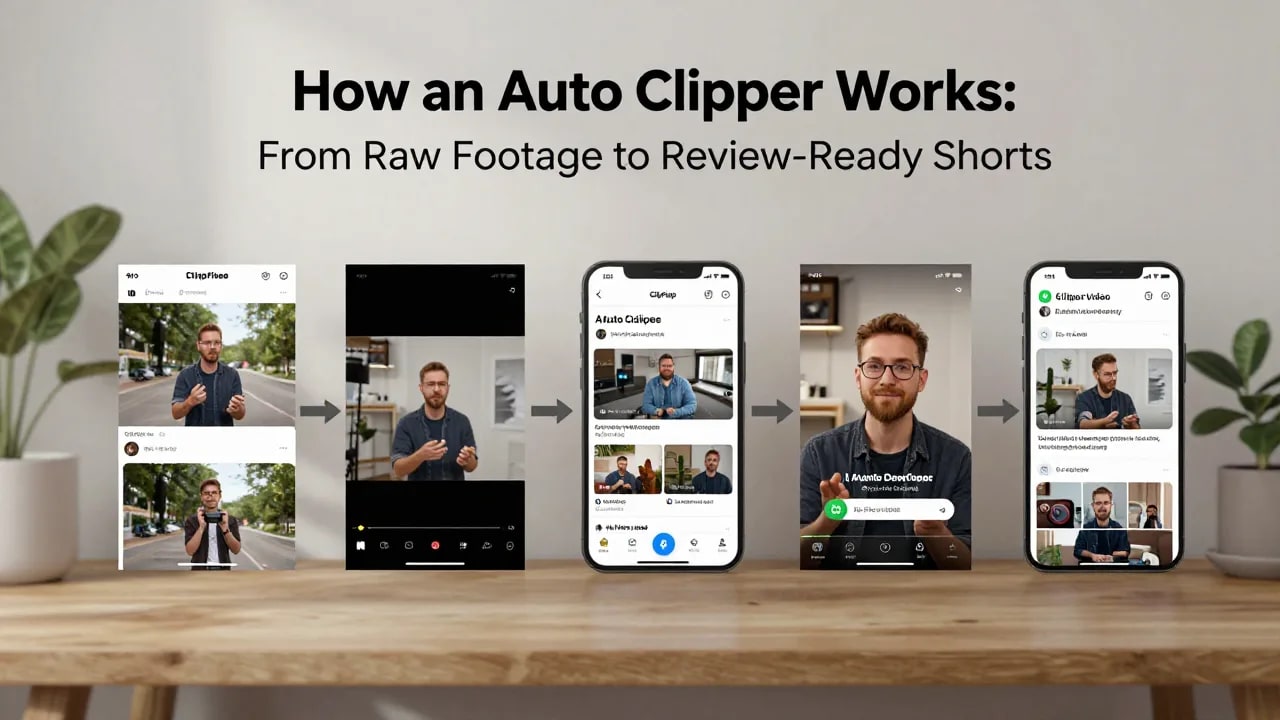
Extracting bite-sized social videos from an hour-long recording is often the most tedious phase of post-production. Creators and marketing teams frequently spend hours scrubbing through full-length interviews, webinars, and studio recordings just to find a handful of coherent thoughts. An auto clipper solves this bottleneck by transforming raw footage into candidate short-form clips using automated transcription, visual analysis, and intelligent cropping.
Rather than replacing human creativity, an automated video clipping tool functions as an assistive rough-cut engine. It rapidly handles the heavy lifting of media parsing, speech boundary detection, and format adjustments so editors can focus on narrative refinement and editorial quality control.
Understanding the Auto Clipper Pipeline: How Long Video Becomes Short-Form Content
Turning a horizontal recording into a vertical short involves several synchronized processes. When you upload a video file into an ai video clipper, the system does not simply slice footage at arbitrary time intervals. Instead, it moves the asset through a multi-stage ingestion and analysis pipeline.
First, the software isolates the audio stream to generate an accurate speech-to-text transcript. Next, language processing models parse the text to identify conversational anchors, questions, dynamic answers, and natural pauses. Concurrently, computer vision models scan the visual track to detect faces, body posture, and scene changes.
By cross-referencing acoustic energy, spoken substance, and visual framing, the tool stages candidate clips with designated in-points and out-points. The result is a set of rough cuts pre-populated with timed captions and adjusted aspect ratios, ready for human evaluation.
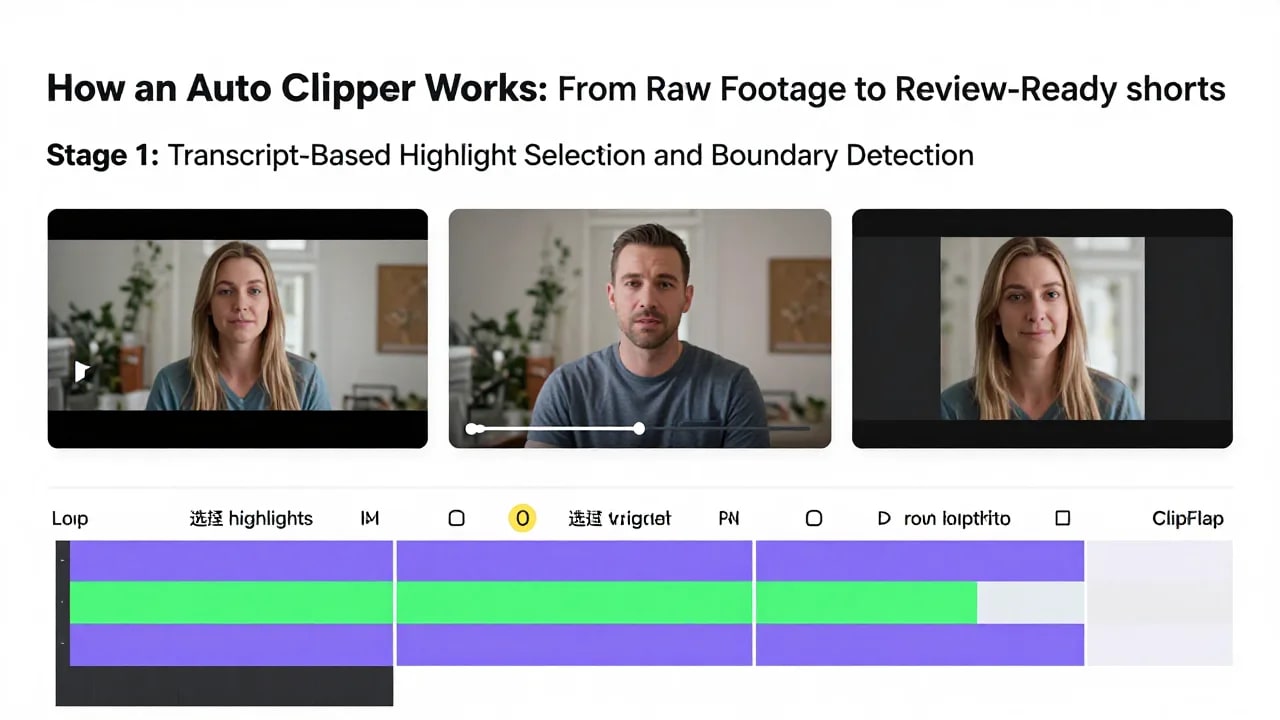
Stage 1: Transcript-Based Highlight Selection and Boundary Detection
The foundation of any modern auto video clipper is transcript-based highlight selection. Earlier automated tools relied primarily on volume spikes or blunt keyword scanning. While sudden laughter or loud emphasis occasionally flags an interesting moment, acoustic spikes often capture irrelevant banter, technical glitches, or microphone bumps.
Modern systems analyze semantic density and sentence structure. Natural language algorithms look for complete thought units: a distinct premise, supporting context, and a clear resolution. This contextual approach identifies actionable advice, counterintuitive opinions, or structured storytelling moments that function well as standalone shorts.
Equally important is intelligent boundary detection. Algorithms evaluate conversational pauses and grammatical endpoints to establish in-points and out-points. This prevents clips from starting mid-sentence or cutting off the speaker's final thought. While these algorithms successfully locate candidate content hooks, editors should still fine-tune boundaries to preserve conversational nuance. Learning how to properly turn long videos into short clips requires treating these boundaries as a starting foundation rather than a finished edit.
Stage 2: Automatic 9:16 Reframing and Subject Tracking
Converting 16:9 landscape footage into mobile-native vertical video is one of the most mechanically demanding steps in repurposing. A simple center-crop frequently cuts subjects out of the frame whenever they gesture, lean, or shift in their seats.
Automated reframing solves this through computer vision. Face detection models identify human subjects across the frame, while active speaker tracking correlates facial movements and mouth activity with the primary audio track. The algorithm applies a dynamic 9:16 vertical crop that pans smoothly to keep the active speaker centered in the mobile safe zone.
In multi-person formats, such as remote podcast interviews or panel discussions, the system must navigate layout transitions. When two participants speak simultaneously or trade quick dialogue, intelligent reframing can generate stacked split-screen layouts or execute smooth cuts between speakers. This automated aspect ratio conversion ensures mobile viewers remain engaged without experiencing jarring camera movements or visual drift.
Stage 3: Word-Timed Caption Synchronization and Styling
Because the majority of mobile video is consumed with sound muted or in noisy environments, readable subtitles are essential. An auto clipper generates word-timed captions directly from the timecoded speech-to-text transcript.
Each word receives precise start and end timestamps tied to the audio waveform. This granular synchronization enables popular short-form styling options, such as single-word highlighting, kinetic reveals, and high-contrast text treatments. Synchronized captions reinforce the speaker's cadence and keep the viewer anchored to the core message.
However, automated transcription faces persistent acoustic hurdles. Industry jargon, foreign names, regional accents, and overlapping speech can lead to phonetic misinterpretations. Furthermore, ambient background hum or room reverberation degrades transcription accuracy. Editorial teams must always review the generated text against the original audio to catch phonetic substitutions before publishing.
Stage 4: The Human-in-the-Loop Review Checklist Before Export
Automating rough cuts accelerates output, but editorial oversight protects your brand. An effective video repurposing pipeline incorporates a structured human-in-the-loop review prior to exporting any clip. When converting a recorded podcast to clips, treating automated output as a review-ready cut rather than a final deliverable ensures high production standards.
Run through this quality assurance checklist for every suggested short:
- Hook Verification: Check the opening two seconds. Does the clip start cleanly on an impactful word or question, avoiding awkward breaths, filler words, or throat clearing?
- Resolution and Narrative Closure: Confirm that the out-point concludes a complete point. Ensure the speaker does not get clipped mid-vowel and that the clip does not leave an open conversational loop.
- Caption Accuracy: Read through the on-screen text while listening to the audio. Correct misspelled technical terminology, brand names, and homophones (such as "their" vs. "there").
- Framing and Safe Zones: Verify that the 9:16 crop keeps the subject centered and does not place captions over native platform UI elements, like comment buttons and profile icons.
- Audio Balance and Pacing: Check speech volume consistency. If the speaker leans away from the microphone or speaks softly at the end of a sentence, apply gain adjustments or minor audio cleanups.
Technical Limitations: Where Auto Clippers Need Manual Editorial Intervention
While automated clipping tools excel at processing verbal dialogues and interviews, they possess defined technical limitations. Understanding where algorithmic detection falls short helps teams allocate their manual editing hours more effectively.
Algorithms struggle with non-verbal context and visual humor. If a host delivers a deadpan comedic pause, an ironic glance, or a physical demonstration, the transcript alone might register silence or low linguistic significance. An automated model will often discard or miscut these visually driven moments because the humor relies on visual timing rather than spoken keywords.
Similarly, technical presentations and software walkthroughs present reframing challenges. When an expert shares their screen, a standard 9:16 vertical crop cannot easily capture both an ultra-wide code window and the speaker's reaction camera simultaneously. In these scenarios, human editors must manually compose picture-in-picture arrangements or pan across the screen share to preserve instructional clarity.
Workflow Integration: Fitting an Auto Clipper into Your Post-Production Pipeline
To maximize efficiency, an auto clipper should integrate seamlessly into your broader post-production workflow. Rather than treating clipping as an isolated task, structure it into repeatable operational batches.
Begin by optimizing your recording setup. High-quality microphone capture and isolated multi-track audio drastically improve speech-to-text accuracy and speaker separation. Once the full recording is finalized, upload the master file directly into your automated clipping platform while long-form color grading and audio mastering are underway.
Adopt a batched review method. Instead of reviewing and polishing one clip at a time, have an assistant editor or content strategist review all candidate highlights in a single sitting. Tag high-potential clips, adjust framing parameters in bulk, and make quick transcript corrections. By isolating repetitive administrative tasks from creative polishing, production teams maintain high publication consistency across social channels without burning out senior editing staff.
Frequently Asked Questions
How does an auto clipper decide which moments of a long video to clip?
An auto clipper analyzes the generated transcript alongside audio waveforms and visual data. Rather than relying solely on volume spikes, natural language algorithms identify semantic clusters, clear opening premises, strong conversational hooks, and concise conclusions that form self-contained narrative thoughts.
Can an auto clipper accurately track multiple speakers in an interview or podcast?
Yes. Automated tools use computer vision algorithms to detect faces and cross-reference mouth movement with audio energy. When multiple people participate in an interview, the software can switch focus between speakers or create a split-screen vertical layout showing both subjects simultaneously.
Why is manual review necessary if the clipping process is automated?
Automated tools produce assistive rough cuts. While algorithms quickly find potential highlights and format footage, they cannot judge subtle comedic timing, emotional subtext, brand alignment, or niche technical terminology. A human review ensures grammatical accuracy, clean framing safe zones, and narrative coherence.
What video formats and audio conditions yield the best auto-clipping results?
Clear, isolated audio with minimal background noise and reverberation provides the highest transcription accuracy. Visually, well-lit footage with distinct subject-background separation and stable camera angles yields the most reliable face detection and automated reframing.
Integrating assistive automation into your workflow bridges the gap between extensive long-form production and consistent short-form distribution. By offloading mechanical tasks like transcribing, cropping, and captioning, editors can spend their energy curating compelling storytelling. Explore how the ClipFlap AI Clip Generator accelerates your rough cut workflow and helps you produce polished, review-ready vertical shorts.
Related reading
- Auto Clipping Software: What to Automate and What to Review
Learn how auto clipping software speeds up vertical video repurposing, which editing tasks to automate, and what to review manually.
- AI Cutting Explained: Methods, Mechanics, and Editorial Checkpoints
Understand how AI cutting processes long-form footage, where automated edits fall short, and the editorial review checklist needed before publishing.
- Clipping Apps Evaluation Guide: How to Choose the Best Repurposing Tools
Compare modern clipping apps for repurposing long-form video into social clips. Learn key features: transcript navigation, reframing, and captions.
Try the ClipFlap AI clip maker →
Try it on your own episode
10 free minutes of processing, no card required. Processing time varies with source length and queue load; review each clip before publishing.